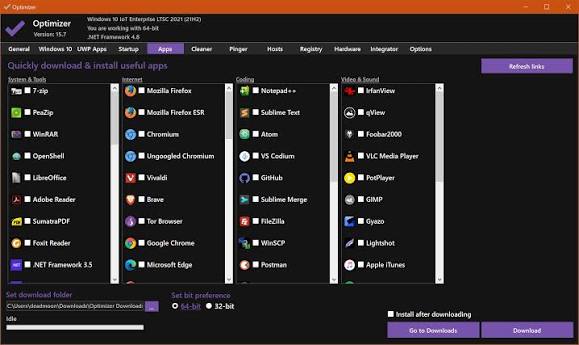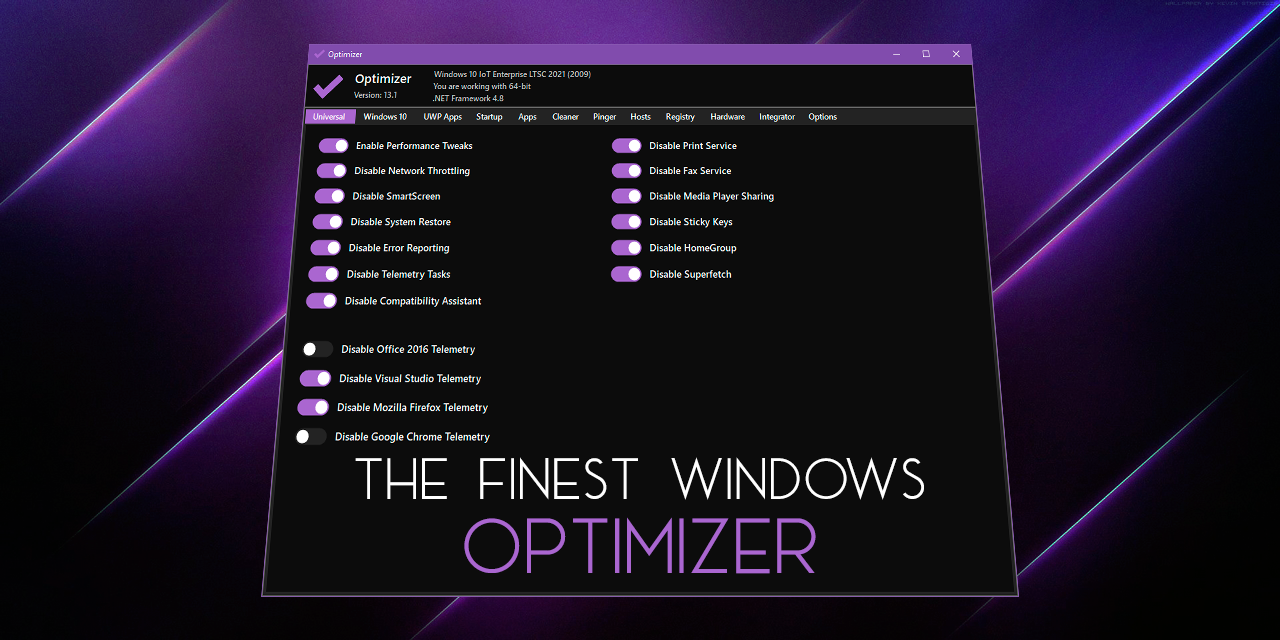
Welcome to Optimizer, an advanced configuration utility designed to enhance your privacy and security on Windows. This tool is highly recommended for use after a fresh installation of Windows to achieve maximum privacy and security benefits. Depending on your Windows version, Optimizer can also help you apply specific system tweaks.
Key Features
Full multilingual support (24 languages available)
Enhance system and network performance
Disable unnecessary Windows services
Turn off Windows telemetry, Cortana, and more
Disable Office telemetry (works with Office 2016 or newer)
Stop automatic Windows 10/11 updates
Download multiple useful apps quickly
Disable CoPilot AI in Windows 11 & Edge
Enable UTC time globally
Advanced tweaks like disabling HPET, OneDrive, etc.
Uninstall UWP apps
Clean system drive and browser profiles
Fix common registry issues
Ping IPs and assess latency
Search IPs on SHODAN.io
Quickly change DNS server (from a pre-made list)
Flush DNS cache
Remove unwanted startup programs
Edit your HOSTS file
Edit your System Variables paths
Identify and terminate file lock handles
Hardware inspection tool
Add items to the desktop right-click menu
Define custom commands for the run dialog
Support silent runs using a template file